> ## Documentation Index
> Fetch the complete documentation index at: https://docs.pubrio.com/llms.txt
> Use this file to discover all available pages before exploring further.
# Databar Integration
> Enrich your Databar spreadsheets with glocal intelligence from Pubrio.
# Pubrio x Databar: No-Code Global Intelligence
Combine the accessibility of **Databar** with the depth of **Pubrio**.
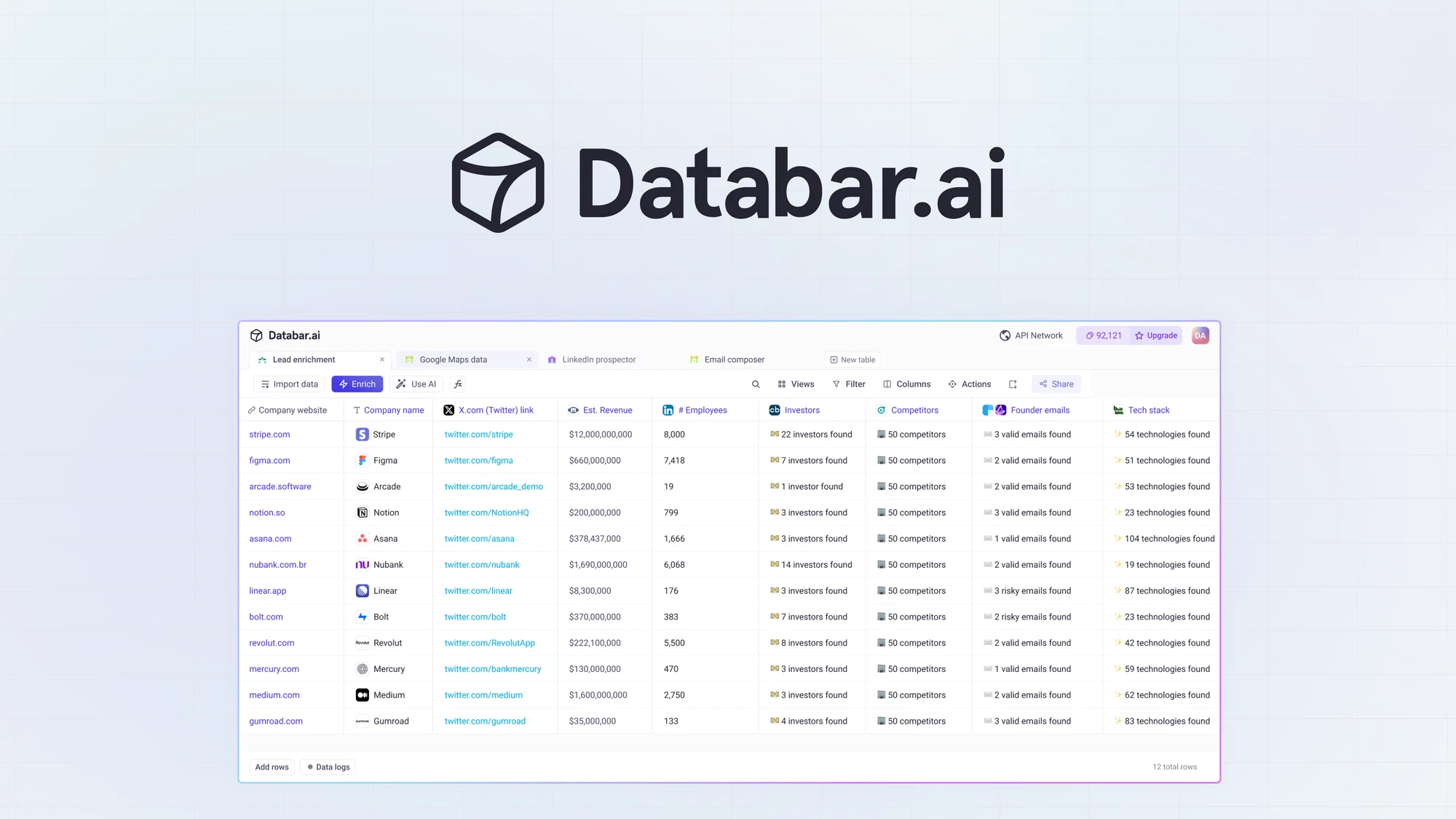
Databar makes it easy to connect to thousands of APIs without code. By integrating Pubrio, you turn your Databar spreadsheets into powerful global research engines, capable of uncovering the **"Invisible 70%"** of the economy - the local champions and real-world businesses that standard API providers often overlook.
 ## The Power Pair
**The API Hub.**
Databar allows you to query external APIs directly within a spreadsheet interface. It removes the technical barrier to accessing data.
**The Global Source.**
Pubrio provides the specialized "Glocal" data—covering 50+ local sources across NA, LATAM, APAC, and EMEA - that powers your research.
## Why add Pubrio to your table?
Databar gives you access to many standard data providers. Pubrio is the layer you add when you need to go deeper or wider.
### 1. Research Without Borders
Standard enrichment APIs often return empty cells (`N/A`) when queried with non-US domains.
* **The Fix:** Connect Pubrio to your Databar table to fill in the blanks. We aggregate local registries and regional signals, ensuring your market research includes the high-growth companies in emerging markets that others miss.
### 2. High-Fidelity Signal Discovery
If you are using Databar for investment research or competitive analysis, generic industry tags aren't enough.
* **The Fix:** Pubrio delivers granular, localized signals. Instead of just "Software," see "Fintech Payment Gateway in Jakarta." Instead of generic "Hiring," see "Expanding Sales Team in Brazil."
***
## Integration Guide
You can connect Pubrio to Databar using our pre-configured connector or via a custom API connection.
The fastest way to enrich. Use the official Pubrio provider listed in the Databar library.
In your Databar table, click on **"Enrich"** or **"Add Column"**.
Search the provider library for **"Pubrio"** and select it.
Enter your Pubrio API Key.
*(Get this from your Pubrio Dashboard > Settings > API).*
Select the **"Enrich Company"** endpoint. Map your table's **Domain** column to the Pubrio input and click **Run**.
Use this if you need to hit a specific Pubrio endpoint not listed in the standard library.
Click **"Add Source"** and select **"Custom API"**.
* **Method:** `POST`
* **URL:** `https://api.pubrio.com/companies/lookup/enrich`
* **Auth:** Select "API Key" and paste your Pubrio API Key.
In the JSON body, insert dynamic references to your table columns:
```json theme={null}
{
"domain": ""
}
```
Run a test request. Databar will display the JSON response. Select the fields you want to save (e.g., `revenue_range`, `tech_stack`) as new columns.
***
## Use Cases
### 1. Emerging Market Deal Sourcing
**User:** VC Associates & PE Analysts.
**Goal:** Find "Hidden Champions"—companies in Southeast Asia or LATAM that are significant in size but under the radar.
* **Workflow:**
1. Upload a list of local conference attendees or regional award winners to Databar.
2. Use Pubrio to enrich these obscure domains with **Verified Local Headcount** and **Tech Stack**.
3. Filter the table to identify high-value targets (e.g., Companies with >50 employees using sophisticated tech like Salesforce or AWS) and export to your CRM.
### 2. Cleaning "Messy" Global Lists
**User:** RevOps & Marketing Managers.
**Goal:** Fix a CRM export full of missing fields for international leads.
* **Workflow:**
1. Import a CSV of leads with only "Company Name" and "Country."
2. Run Pubrio's **"Enrich"** endpoint.
3. Pubrio uses the country hint to correctly identify the local entity and populates missing data like **Decision Maker Emails** and **Local Business IDs**.
***
## Join the Data Ecosystem
Whether you are building a one-off research report or a recurring automated workflow, Pubrio ensures you have the global context to make the right decisions.
**Open Databar.**
Connect Pubrio and start enriching your spreadsheets today.
**Get Pubrio Access.**
Sign up to get your API key and unlock the invisible 70% of the market.
## The Power Pair
**The API Hub.**
Databar allows you to query external APIs directly within a spreadsheet interface. It removes the technical barrier to accessing data.
**The Global Source.**
Pubrio provides the specialized "Glocal" data—covering 50+ local sources across NA, LATAM, APAC, and EMEA - that powers your research.
## Why add Pubrio to your table?
Databar gives you access to many standard data providers. Pubrio is the layer you add when you need to go deeper or wider.
### 1. Research Without Borders
Standard enrichment APIs often return empty cells (`N/A`) when queried with non-US domains.
* **The Fix:** Connect Pubrio to your Databar table to fill in the blanks. We aggregate local registries and regional signals, ensuring your market research includes the high-growth companies in emerging markets that others miss.
### 2. High-Fidelity Signal Discovery
If you are using Databar for investment research or competitive analysis, generic industry tags aren't enough.
* **The Fix:** Pubrio delivers granular, localized signals. Instead of just "Software," see "Fintech Payment Gateway in Jakarta." Instead of generic "Hiring," see "Expanding Sales Team in Brazil."
***
## Integration Guide
You can connect Pubrio to Databar using our pre-configured connector or via a custom API connection.
The fastest way to enrich. Use the official Pubrio provider listed in the Databar library.
In your Databar table, click on **"Enrich"** or **"Add Column"**.
Search the provider library for **"Pubrio"** and select it.
Enter your Pubrio API Key.
*(Get this from your Pubrio Dashboard > Settings > API).*
Select the **"Enrich Company"** endpoint. Map your table's **Domain** column to the Pubrio input and click **Run**.
Use this if you need to hit a specific Pubrio endpoint not listed in the standard library.
Click **"Add Source"** and select **"Custom API"**.
* **Method:** `POST`
* **URL:** `https://api.pubrio.com/companies/lookup/enrich`
* **Auth:** Select "API Key" and paste your Pubrio API Key.
In the JSON body, insert dynamic references to your table columns:
```json theme={null}
{
"domain": ""
}
```
Run a test request. Databar will display the JSON response. Select the fields you want to save (e.g., `revenue_range`, `tech_stack`) as new columns.
***
## Use Cases
### 1. Emerging Market Deal Sourcing
**User:** VC Associates & PE Analysts.
**Goal:** Find "Hidden Champions"—companies in Southeast Asia or LATAM that are significant in size but under the radar.
* **Workflow:**
1. Upload a list of local conference attendees or regional award winners to Databar.
2. Use Pubrio to enrich these obscure domains with **Verified Local Headcount** and **Tech Stack**.
3. Filter the table to identify high-value targets (e.g., Companies with >50 employees using sophisticated tech like Salesforce or AWS) and export to your CRM.
### 2. Cleaning "Messy" Global Lists
**User:** RevOps & Marketing Managers.
**Goal:** Fix a CRM export full of missing fields for international leads.
* **Workflow:**
1. Import a CSV of leads with only "Company Name" and "Country."
2. Run Pubrio's **"Enrich"** endpoint.
3. Pubrio uses the country hint to correctly identify the local entity and populates missing data like **Decision Maker Emails** and **Local Business IDs**.
***
## Join the Data Ecosystem
Whether you are building a one-off research report or a recurring automated workflow, Pubrio ensures you have the global context to make the right decisions.
**Open Databar.**
Connect Pubrio and start enriching your spreadsheets today.
**Get Pubrio Access.**
Sign up to get your API key and unlock the invisible 70% of the market.