> ## Documentation Index
> Fetch the complete documentation index at: https://docs.pubrio.com/llms.txt
> Use this file to discover all available pages before exploring further.
# Stripo Integration
> Push responsive templates from Stripo directly into your Pubrio Sequences.
# Stripo x Pubrio: The Design-to-Sequence Pipeline
Bridge the gap between **Stripo's** creative studio and **Pubrio's** execution infrastructure.
This integration allows you to operationalize your design assets instantly. Instead of manually moving HTML files, you can push templates directly from Stripo into your Pubrio **Sequences**, ensuring your automated flows always utilize the most up-to-date, responsive designs.
 ## The Tech Stack
**The Design Layer.**
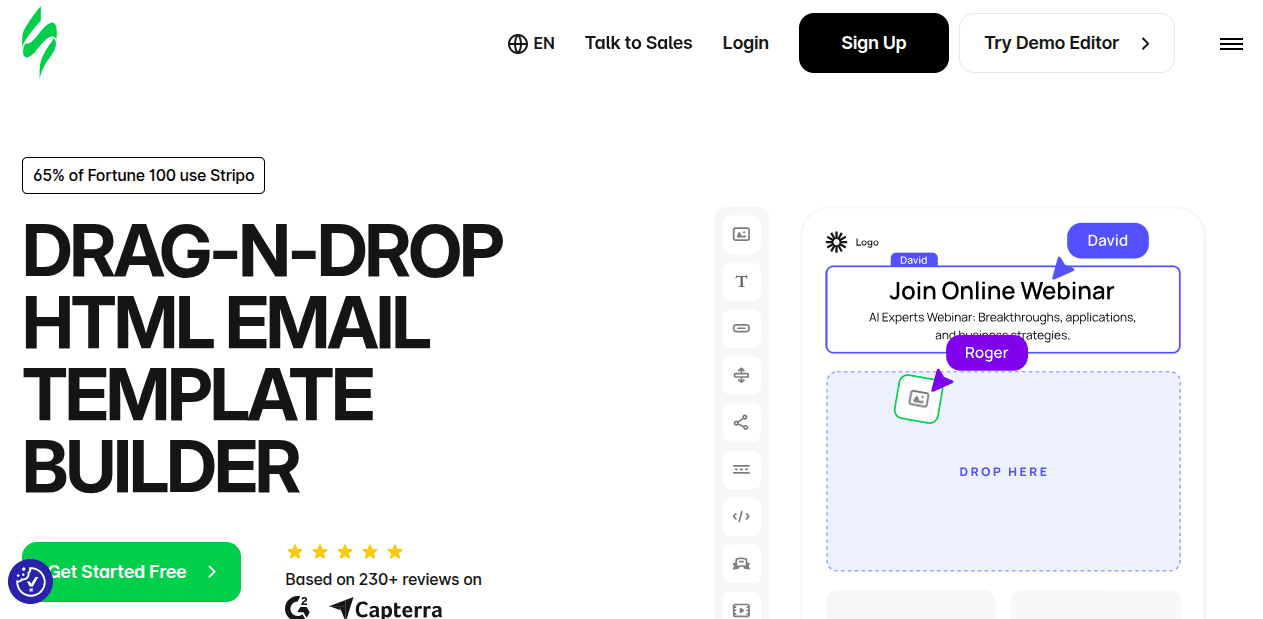
Stripo enables the creation of complex, responsive HTML email modules without code. It is where the visual asset is born.
**The Sequence Engine.**
Pubrio acts as the delivery infrastructure. We ingest the template and orchestrate the localized delivery based on your Sequence logic and data triggers.
## Why connect the two?
Treat email design as part of your automated CI/CD pipeline.
### 1. Zero-Friction Handoffs
Eliminate the manual download-and-upload cycle that slows down operations.
* **The Manual Way:** Export ZIP -> Extract -> Copy HTML -> Paste into Editor.
* **The Automated Way:** Click "Export to Pubrio" in Stripo. The template is instantly available as a resource in your Pubrio **Sequence Library**, ready for activation.
### 2. Data-Driven Rendering
Pubrio’s engine allows for "Headless" personalization within the visual design.
* **Dynamic Injection:** Embed Pubrio variables (e.g., `{{company.tech_stack}}`, `{{person.location}}`) directly into Stripo text blocks.
* **Execution:** When the Sequence triggers, Pubrio resolves these variables in real-time using our global data graph, ensuring the rendered email is contextually accurate for every recipient.
***
## Configuration Guide
Set up the pipeline once to enable continuous template syncing.
In your Pubrio workspace, navigate to **Settings > API & Integrations**. Generate a new key specifically for the Stripo connector.
Open any template in the Stripo editor and click **Export**.
1. Select **"Pubrio"** from the integration list.
2. Input your **API Key**.
3. Label the connection (e.g., "Prod Sequences").
Click **Export**. The system will transfer the HTML code and hosted images to Pubrio’s asset manager.
Inside Pubrio, open your **Sequences**. When defining an email step, select **"Load from Library"** and choose the template you just synced.
**Pro Tip:** If you update a design in Stripo, simply re-export it. You can choose to overwrite the existing asset in Pubrio, instantly updating any live Sequences using that template.
***
## Operational Use Cases
### 1. Automated Customer Onboarding
**Goal:** Deliver high-fidelity welcome emails triggered by app usage.
* **Design:** Product team builds a visual "Getting Started" guide in Stripo.
* **Logic:** A Pubrio Sequence triggers when a new user signs up.
* **Execution:** Pubrio grabs the latest Stripo design, injects the user's specific account details, and executes the delivery step.
### 2. Dynamic Platform Notifications
**Goal:** Send localized alerts based on business signals.
* **Design:** Marketing builds a modular alert template in Stripo.
* **Logic:** Pubrio detects a "Buying Signal" (e.g., a prospect installs a competitor's tech).
* **Execution:** The Sequence automatically dispatches the alert email to the account owner, using the Stripo template to present the data in a clean, branded format.
***
## Build Your Pipeline
**Create Asset.**
Design your template and push it to the engine.
**Open Pubrio.**
Map your new template to a Sequence step and go live.
## The Tech Stack
**The Design Layer.**
Stripo enables the creation of complex, responsive HTML email modules without code. It is where the visual asset is born.
**The Sequence Engine.**
Pubrio acts as the delivery infrastructure. We ingest the template and orchestrate the localized delivery based on your Sequence logic and data triggers.
## Why connect the two?
Treat email design as part of your automated CI/CD pipeline.
### 1. Zero-Friction Handoffs
Eliminate the manual download-and-upload cycle that slows down operations.
* **The Manual Way:** Export ZIP -> Extract -> Copy HTML -> Paste into Editor.
* **The Automated Way:** Click "Export to Pubrio" in Stripo. The template is instantly available as a resource in your Pubrio **Sequence Library**, ready for activation.
### 2. Data-Driven Rendering
Pubrio’s engine allows for "Headless" personalization within the visual design.
* **Dynamic Injection:** Embed Pubrio variables (e.g., `{{company.tech_stack}}`, `{{person.location}}`) directly into Stripo text blocks.
* **Execution:** When the Sequence triggers, Pubrio resolves these variables in real-time using our global data graph, ensuring the rendered email is contextually accurate for every recipient.
***
## Configuration Guide
Set up the pipeline once to enable continuous template syncing.
In your Pubrio workspace, navigate to **Settings > API & Integrations**. Generate a new key specifically for the Stripo connector.
Open any template in the Stripo editor and click **Export**.
1. Select **"Pubrio"** from the integration list.
2. Input your **API Key**.
3. Label the connection (e.g., "Prod Sequences").
Click **Export**. The system will transfer the HTML code and hosted images to Pubrio’s asset manager.
Inside Pubrio, open your **Sequences**. When defining an email step, select **"Load from Library"** and choose the template you just synced.
**Pro Tip:** If you update a design in Stripo, simply re-export it. You can choose to overwrite the existing asset in Pubrio, instantly updating any live Sequences using that template.
***
## Operational Use Cases
### 1. Automated Customer Onboarding
**Goal:** Deliver high-fidelity welcome emails triggered by app usage.
* **Design:** Product team builds a visual "Getting Started" guide in Stripo.
* **Logic:** A Pubrio Sequence triggers when a new user signs up.
* **Execution:** Pubrio grabs the latest Stripo design, injects the user's specific account details, and executes the delivery step.
### 2. Dynamic Platform Notifications
**Goal:** Send localized alerts based on business signals.
* **Design:** Marketing builds a modular alert template in Stripo.
* **Logic:** Pubrio detects a "Buying Signal" (e.g., a prospect installs a competitor's tech).
* **Execution:** The Sequence automatically dispatches the alert email to the account owner, using the Stripo template to present the data in a clean, branded format.
***
## Build Your Pipeline
**Create Asset.**
Design your template and push it to the engine.
**Open Pubrio.**
Map your new template to a Sequence step and go live.