

Pubrio x Databar: No-Code Global Intelligence
Combine the accessibility of Databar with the depth of Pubrio. Databar makes it easy to connect to thousands of APIs without code. By integrating Pubrio, you turn your Databar spreadsheets into powerful global research engines, capable of uncovering the “Invisible 70%” of the economy - the local champions and real-world businesses that standard API providers often overlook.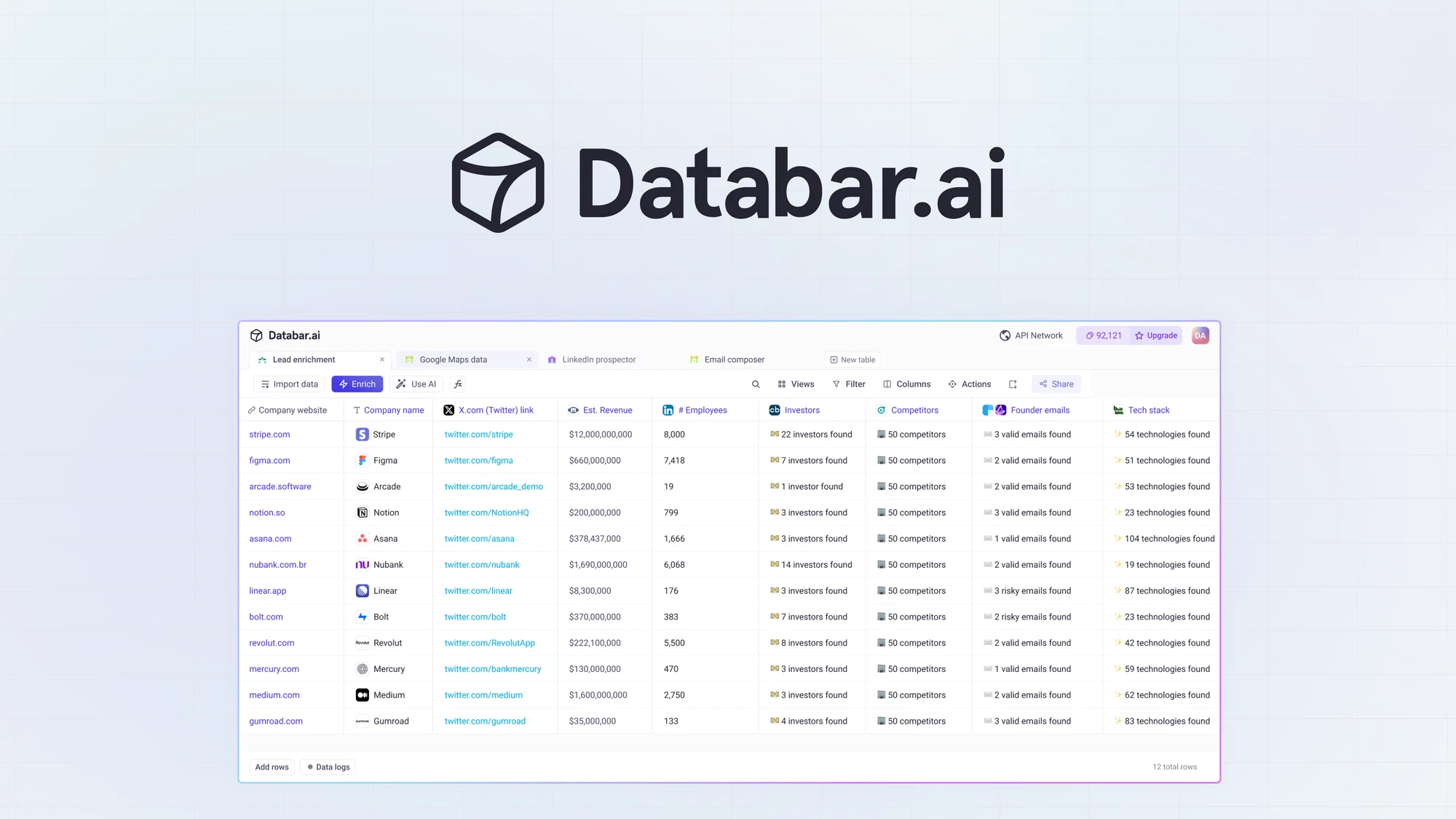
The Power Pair
Databar
The API Hub.
Databar allows you to query external APIs directly within a spreadsheet interface. It removes the technical barrier to accessing data.
Pubrio
The Global Source.
Pubrio provides the specialized “Glocal” data—covering 50+ local sources across NA, LATAM, APAC, and EMEA - that powers your research.
Why add Pubrio to your table?
Databar gives you access to many standard data providers. Pubrio is the layer you add when you need to go deeper or wider.1. Research Without Borders
Standard enrichment APIs often return empty cells (N/A) when queried with non-US domains.
- The Fix: Connect Pubrio to your Databar table to fill in the blanks. We aggregate local registries and regional signals, ensuring your market research includes the high-growth companies in emerging markets that others miss.
2. High-Fidelity Signal Discovery
If you are using Databar for investment research or competitive analysis, generic industry tags aren’t enough.- The Fix: Pubrio delivers granular, localized signals. Instead of just “Software,” see “Fintech Payment Gateway in Jakarta.” Instead of generic “Hiring,” see “Expanding Sales Team in Brazil.”
Integration Guide
You can connect Pubrio to Databar using our pre-configured connector or via a custom API connection.- Marketplace Connector
- Custom API (Advanced)
The fastest way to enrich. Use the official Pubrio provider listed in the Databar library.
1
Add New Enrichment
In your Databar table, click on “Enrich” or “Add Column”.
2
Select Pubrio
Search the provider library for “Pubrio” and select it.
3
Authorize
Enter your Pubrio API Key.
(Get this from your Pubrio Dashboard > Settings > API).
4
Run Query
Select the “Enrich Company” endpoint. Map your table’s Domain column to the Pubrio input and click Run.
Use Cases
1. Emerging Market Deal Sourcing
User: VC Associates & PE Analysts. Goal: Find “Hidden Champions”—companies in Southeast Asia or LATAM that are significant in size but under the radar.- Workflow:
- Upload a list of local conference attendees or regional award winners to Databar.
- Use Pubrio to enrich these obscure domains with Verified Local Headcount and Tech Stack.
- Filter the table to identify high-value targets (e.g., Companies with >50 employees using sophisticated tech like Salesforce or AWS) and export to your CRM.
2. Cleaning “Messy” Global Lists
User: RevOps & Marketing Managers. Goal: Fix a CRM export full of missing fields for international leads.- Workflow:
- Import a CSV of leads with only “Company Name” and “Country.”
- Run Pubrio’s “Enrich” endpoint.
- Pubrio uses the country hint to correctly identify the local entity and populates missing data like Decision Maker Emails and Local Business IDs.
Join the Data Ecosystem
Whether you are building a one-off research report or a recurring automated workflow, Pubrio ensures you have the global context to make the right decisions.Start Researching
Open Databar.
Connect Pubrio and start enriching your spreadsheets today.
Get Your Key
Get Pubrio Access.
Sign up to get your API key and unlock the invisible 70% of the market.