

Stripo x Pubrio: The Design-to-Sequence Pipeline
Bridge the gap between Stripo’s creative studio and Pubrio’s execution infrastructure. This integration allows you to operationalize your design assets instantly. Instead of manually moving HTML files, you can push templates directly from Stripo into your Pubrio Sequences, ensuring your automated flows always utilize the most up-to-date, responsive designs.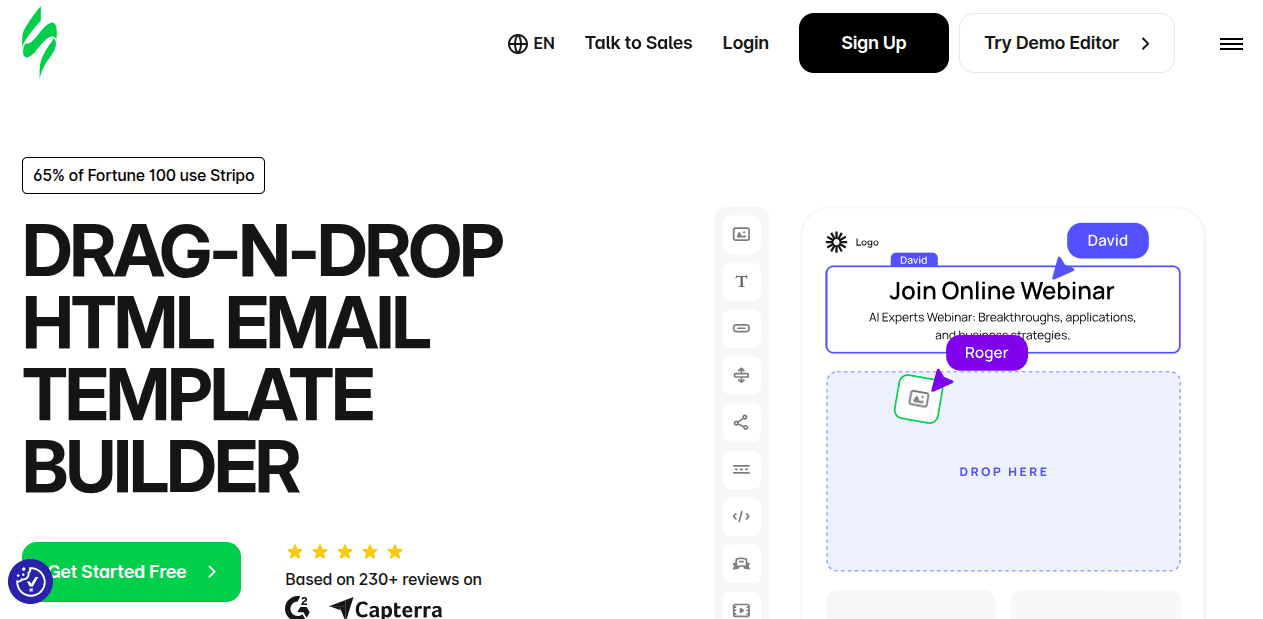
The Tech Stack
Stripo
The Design Layer.
Stripo enables the creation of complex, responsive HTML email modules without code. It is where the visual asset is born.
Pubrio
The Sequence Engine.
Pubrio acts as the delivery infrastructure. We ingest the template and orchestrate the localized delivery based on your Sequence logic and data triggers.
Why connect the two?
Treat email design as part of your automated CI/CD pipeline.1. Zero-Friction Handoffs
Eliminate the manual download-and-upload cycle that slows down operations.- The Manual Way: Export ZIP -> Extract -> Copy HTML -> Paste into Editor.
- The Automated Way: Click “Export to Pubrio” in Stripo. The template is instantly available as a resource in your Pubrio Sequence Library, ready for activation.
2. Data-Driven Rendering
Pubrio’s engine allows for “Headless” personalization within the visual design.- Dynamic Injection: Embed Pubrio variables (e.g.,
{{company.tech_stack}},{{person.location}}) directly into Stripo text blocks. - Execution: When the Sequence triggers, Pubrio resolves these variables in real-time using our global data graph, ensuring the rendered email is contextually accurate for every recipient.
Configuration Guide
Set up the pipeline once to enable continuous template syncing.1
Generate API Credentials
In your Pubrio workspace, navigate to Settings > API & Integrations. Generate a new key specifically for the Stripo connector.
2
Connect Destination in Stripo
Open any template in the Stripo editor and click Export.
- Select “Pubrio” from the integration list.
- Input your API Key.
- Label the connection (e.g., “Prod Sequences”).
3
Push Asset
Click Export. The system will transfer the HTML code and hosted images to Pubrio’s asset manager.
4
Attach to Sequence
Inside Pubrio, open your Sequences. When defining an email step, select “Load from Library” and choose the template you just synced.
Pro Tip: If you update a design in Stripo, simply re-export it. You can choose to overwrite the existing asset in Pubrio, instantly updating any live Sequences using that template.
Operational Use Cases
1. Automated Customer Onboarding
Goal: Deliver high-fidelity welcome emails triggered by app usage.- Design: Product team builds a visual “Getting Started” guide in Stripo.
- Logic: A Pubrio Sequence triggers when a new user signs up.
- Execution: Pubrio grabs the latest Stripo design, injects the user’s specific account details, and executes the delivery step.
2. Dynamic Platform Notifications
Goal: Send localized alerts based on business signals.- Design: Marketing builds a modular alert template in Stripo.
- Logic: Pubrio detects a “Buying Signal” (e.g., a prospect installs a competitor’s tech).
- Execution: The Sequence automatically dispatches the alert email to the account owner, using the Stripo template to present the data in a clean, branded format.
Build Your Pipeline
Open Stripo
Create Asset.
Design your template and push it to the engine.
Configure Sequence
Open Pubrio.
Map your new template to a Sequence step and go live.