

Agentic CRM Enrichment
Standard enrichment fills in basic fields like “Industry” or “Employee Count” — a record of who a company is. But a record says who; a signal says when. Complex sales need to know which accounts are moving — entering a new market, standing up a new team — and reach them while the window is open. Pubrio turns CRM enrichment into a Two-Stage Intelligence Pipeline. We combine our massive Glocal Database — expansion signals, tech stack, ads, hiring — with Real-Time AI Agents that visit a company’s website or Google Maps listing to answer specific, qualitative questions on demand. The result isn’t a fuller row; it’s a read on where each account is going, and how soon.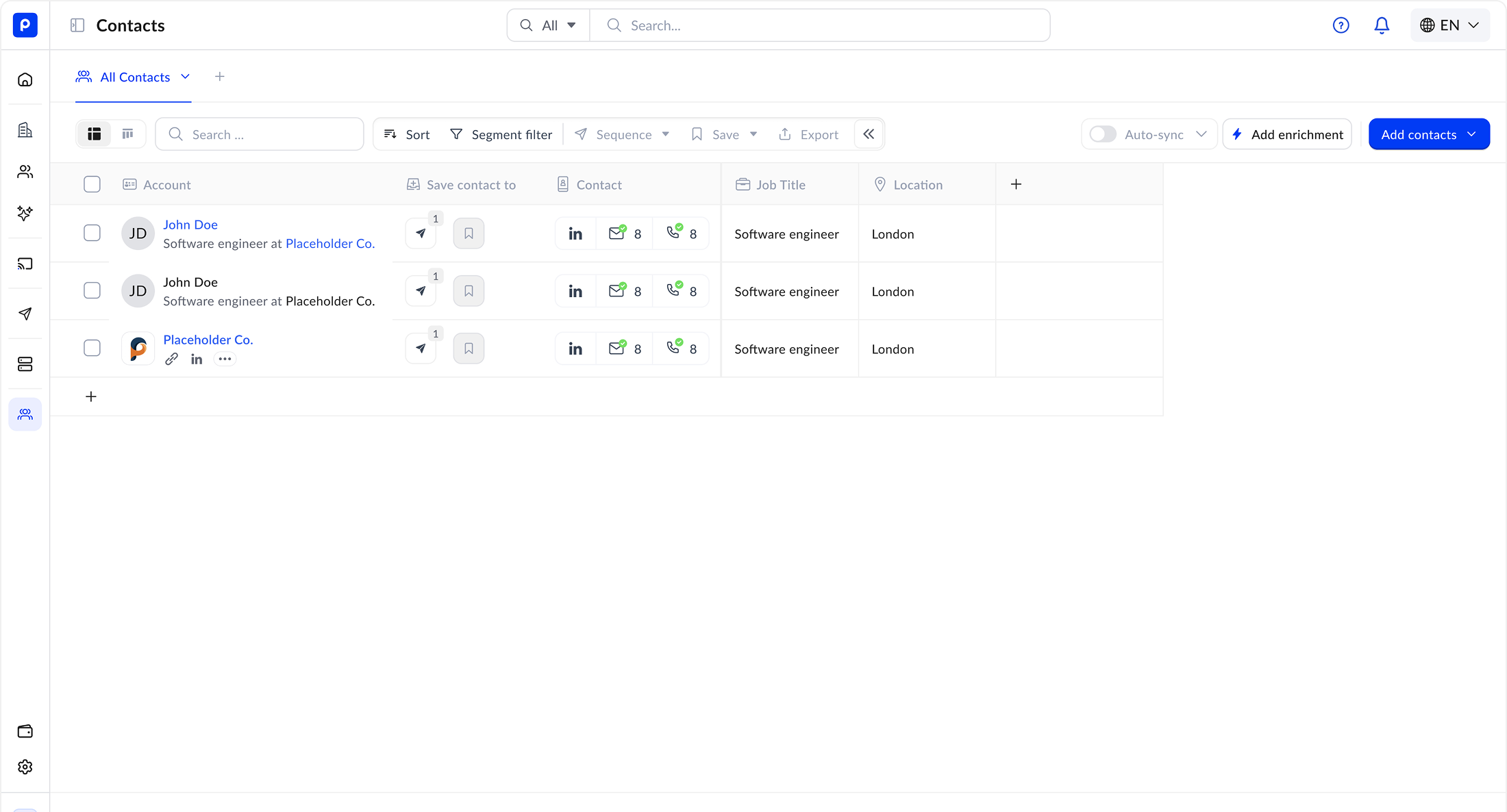
The Two-Stage Funnel
Don’t just enrich data; interrogate it.1
Stage 1: The Global Graph (Fast Filter)
First, we match your CRM records against our core database to append structured, dated signals.
- Expansion Signals: “Are they entering a new market — a new office, a new legal entity, a localized hiring push?”
- Ad Intelligence: “Is this domain running active Meta/Google ads?”
- Tech Stack: “Do they use Shopify Plus or Magento?”
- Hiring Signals: “Are they hiring for ‘Data Science’ roles?”
- Specialties: “Do they self-identify as ‘B2B’ or ‘DTC’?”
2
Stage 2: The Agentic Ask (Deep Research)
For high-value accounts, trigger a Custom Agent Question. The AI visits the company’s live URLs to answer specific questions that aren’t in any structured database.
- Example Question: “Look at their pricing page. Do they offer an Enterprise plan with SSO?”
- Example Question: “Check their ‘About Us’. Do they mention sustainability goals?”
Real-World “Hybrid” Examples
Here is how customers use the Database + Agent combo to qualify leads automatically.1. The “Wholesale” Qualifier
Goal: Find e-commerce brands that also sell wholesale.- Database Filter: Find companies using Shopify + Running active ads in the US/UK.
- Agentic Ask: “Visit the footer links. Is there a link labeled ‘Wholesale’ or ‘Distributors’? Return
True/False.”
2. The “Remote-First” Check
Goal: Sell remote HR software to growing teams.- Database Filter: Find companies hiring for >5 Engineering roles in Germany.
- Agentic Ask: “Read the job descriptions. Do they explicitly mention ‘Remote-first’ or ‘Home office budget’? Extract the specific perk text.”
Google Maps Enrichment (Offline Data)
For industries like Retail, Hospitality, and Logistics, a website doesn’t tell the whole story. Pubrio connects directly to live Google Maps Data to enrich your “Offline” reality.Review Sentiment
Analyze Customer Feedback.
Don’t just get the address. Get the vibe.
- Agent Task: “Analyze the last 50 reviews. Are customers complaining about ‘Long wait times’ or ‘Broken AC’?” (Perfect for selling Operations software).
Physical Verification
Confirm Existence.
Verify if a business is actually open.
- Data Points: Exact Lat/Long coordinates, current “Open/Closed” status, and “Busy Times” data to identify peak operating hours.
Use Case: A POS provider targets coffee shops in Jakarta. They use Pubrio to filter for places with >100 Reviews (High Volume) but No Website (Offline-heavy), then send an agent to check user photos for existing competitor hardware.
Integration Workflow
1
Connect CRM
Link Salesforce or HubSpot via OAuth. Map your standard fields.
2
Define Custom Questions
In the Pubrio dashboard, write the natural language prompts you want our agents to answer for every new lead (e.g., “What is their primary pricing model?”).
3
Map Results to Fields
Map the Agent’s answer to a custom field in your CRM (e.g.,
Salesforce Field: Pricing_Model__c).4
Auto-Sync
As new leads enter your CRM, Pubrio automatically:
- Appends Database Signals (Tech/Ads).
- Runs the Agentic Research.
- Pushes the final, enriched profile back to the record.
Ready to build your pipeline?
Launch Enrichment
Go to Platform.
Connect your Salesforce or HubSpot account and start your first agentic enrichment run.
Request Integration
Don’t see your CRM?
We are constantly adding new connectors. Submit a request for Pipedrive, Zoho, or your custom stack.